
Aurora Store
Aurora Store is a free and open-source Android app that works as an alternative to the Google Play Store app, distributed under the GPL.
Android
Open source

3.20.7803 · APKPure · Page updated
APKPure is a third-party app marketplace for Android that installs apps from APK files outside Google Play. This page covers version 3.20.7803.
Average 0.0 · ratings: 0
Thank you! Your rating is saved; you can change it. Could not save the rating. Please try again later. Too many ratings from your network today. Please try again tomorrow. The average appears after 5 ratings.
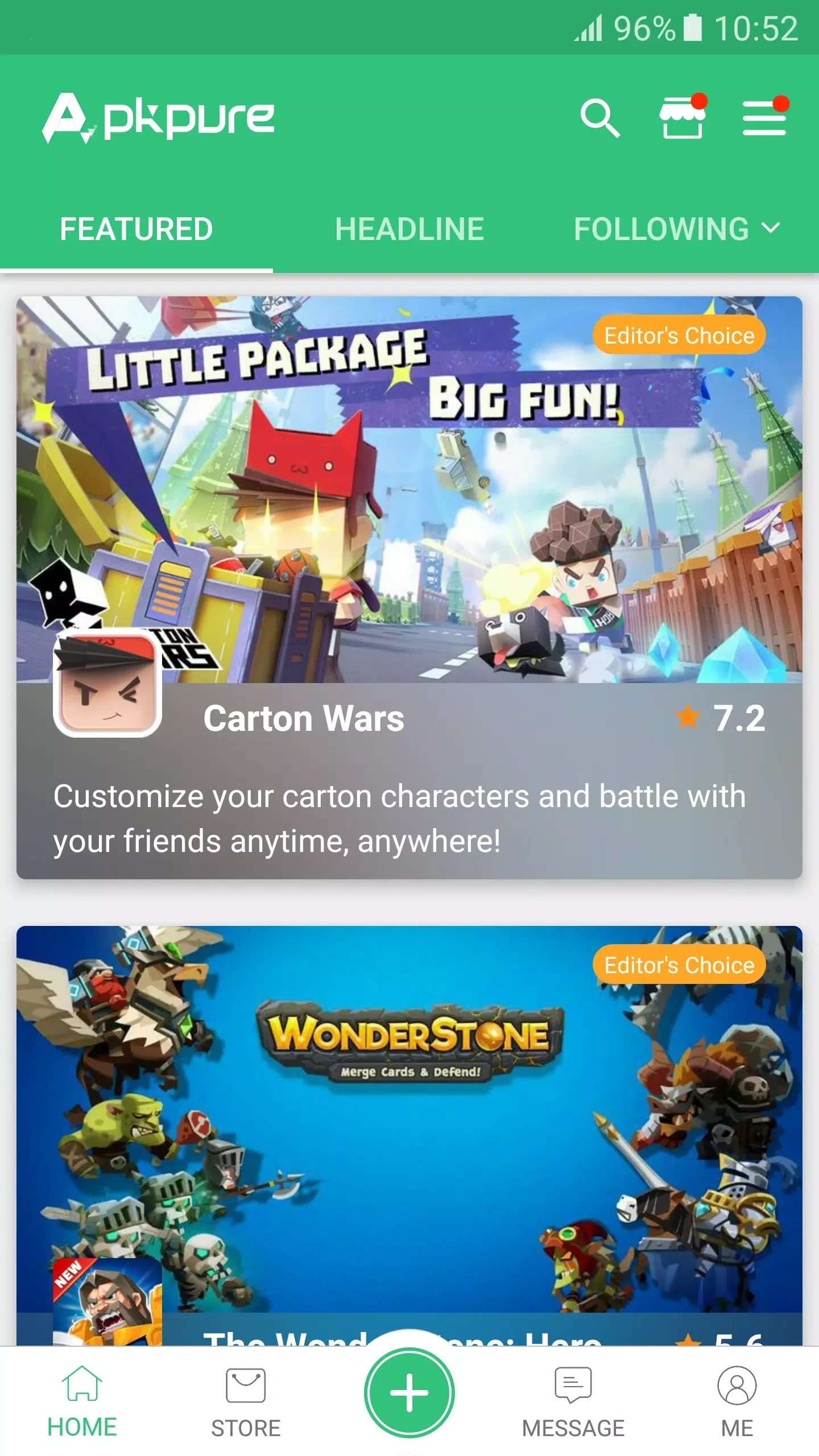
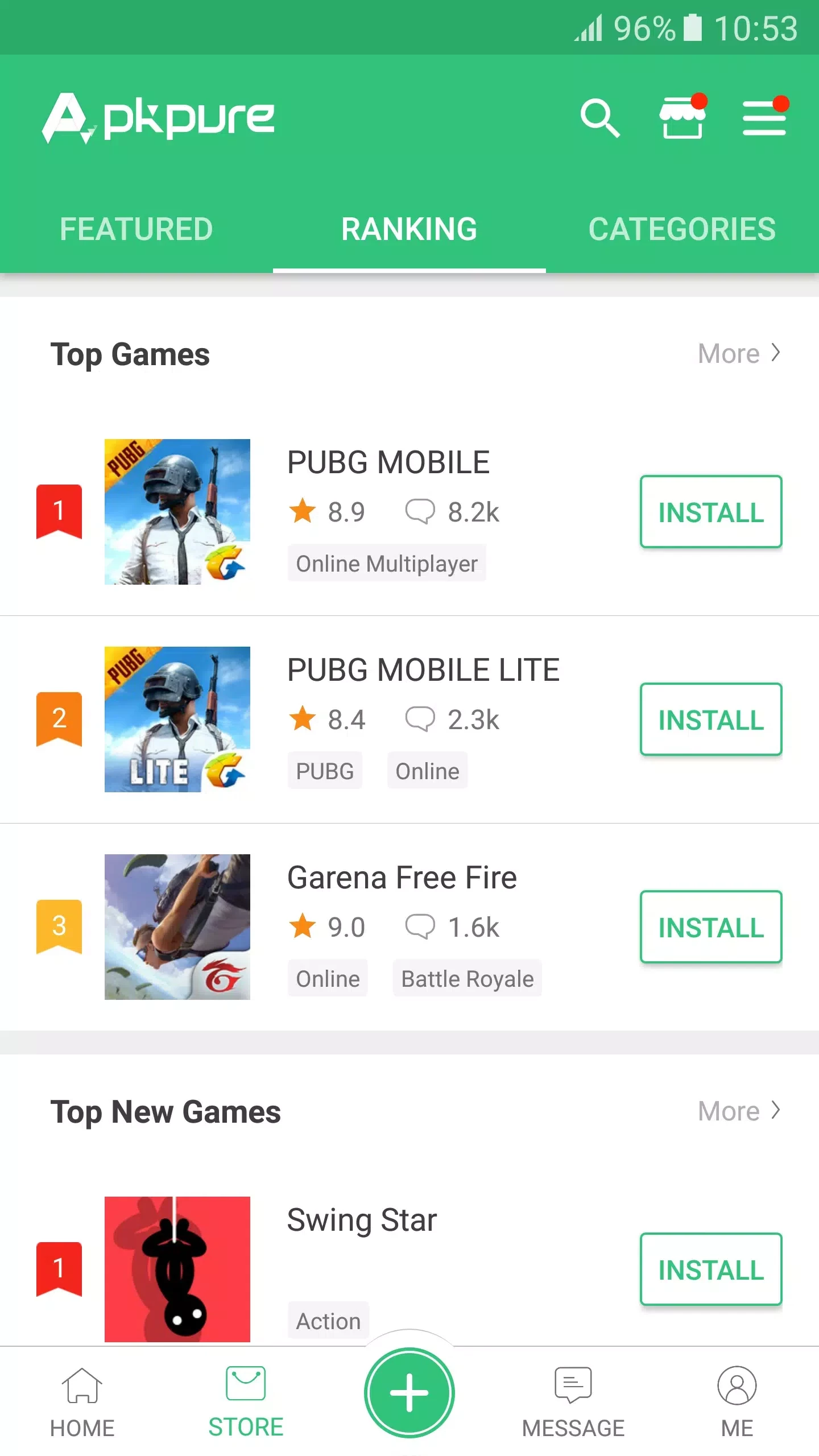
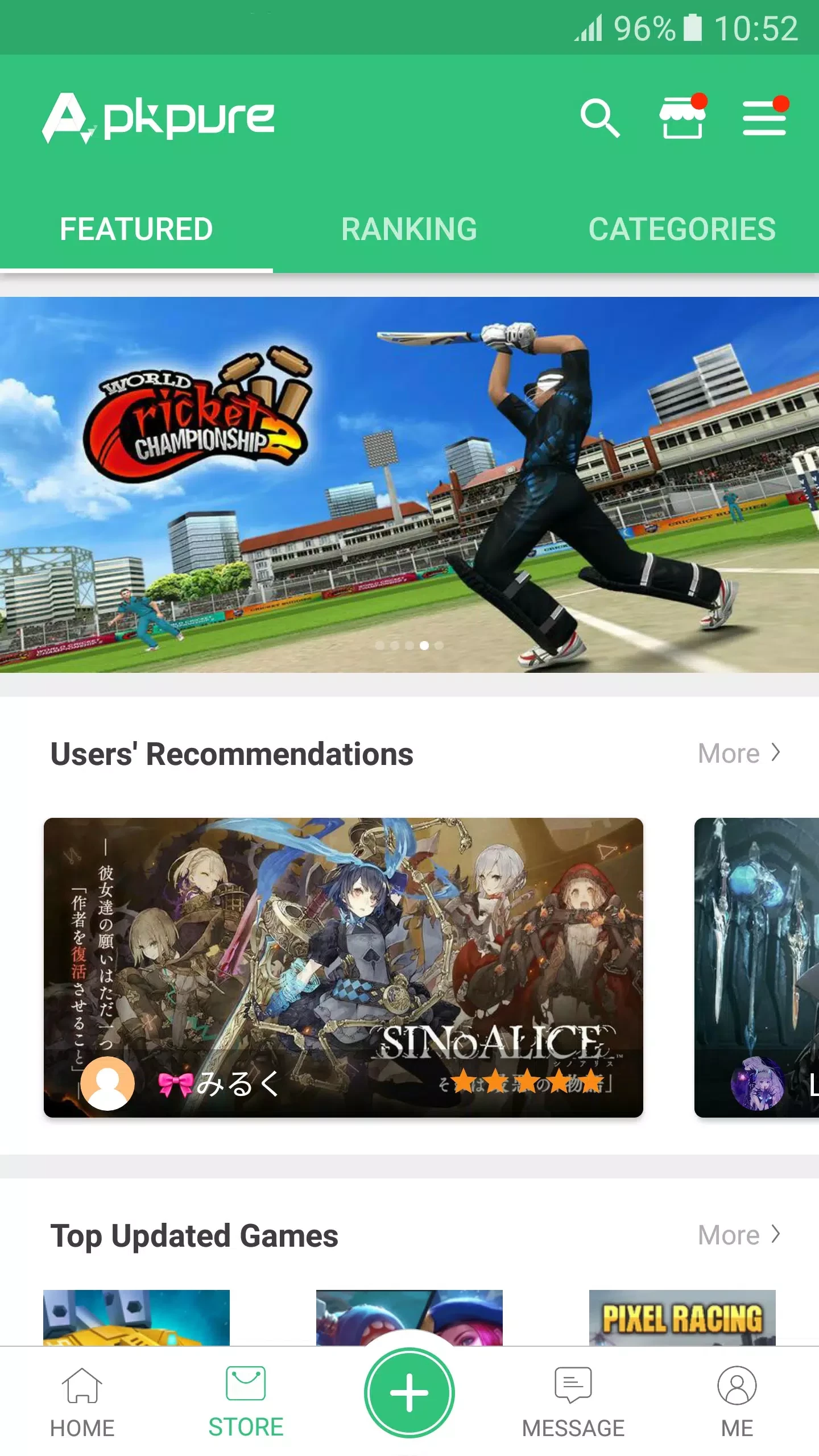
APKPure 3.20.7803 for Android is the client app of APKPure, a third-party app marketplace that lets you download and install Android apps outside Google Play. It is free, but installing apps this way needs more care than using the official store, so this page looks at who it really suits and how to use it safely.
APKPure is an app store in its own right: a website and an Android app with a catalogue of apps and games packaged as APK files. You search for an app, download the package and install it on your phone, and the APKPure client can also look for updates to the apps it installed. It exists because not every Android device has Google Play, and not every app is available in every country. Phones sold without Google services, older devices that no longer receive Play updates and people travelling abroad are the typical users. The trade-off is trust: when you install from Google Play, the store checks the developer and scans the package, while with a third-party store you rely on that store's own checks and on your own caution. The APKPure app itself is not in Google Play, so you install it from a file too, which means enabling installation from unknown sources on your device.
If your phone has Google Play and the app you need is there, use the official store. It is the simpler and safer choice, especially for banking, messaging and anything that holds personal data. Parents setting up a child's phone should also avoid third-party stores.
The APKPure client is about 22.83 MB according to catalogue data, and this page refers to version 3.20.7803, updated in September 2026. No official requirements list is published.
Other app stores for Android in our listings: Uptodown App Store, Aptoide, Aurora Store and Huawei AppGallery. If Google Play is available on your phone, Google Play Store remains the default choice.
Aurora Store is a free and open-source Android app that works as an alternative to the Google Play Store app, distributed under the GPL.

Google Play Store is Google's digital distribution platform for Android, used to find, install and update apps, games and books.

Aptoide is an open-source alternative app store for Android, running since 2009. This page covers version 9.22.5.3.

Test DPC is a sample device policy controller for Android Enterprise, used by developers and IT administrators to test work profiles and management policies.

QuickShortcutMaker is a small Android tool for creating home screen shortcuts to specific screens of installed apps, including hidden settings.